ASK YOUR BUDGET ANYTHING.
Natural language queries, proactive alerts, and anomaly detection. The AI watches your numbers so you don't have to.
Query Your Budget in Plain English
Ask questions about spending, trends, and forecasts. Get instant answers with context and insights.
Alerts Before It's Too Late
Real-time alerts on budget overruns, spending anomalies, and phase completions help you stay ahead of cost overruns.
Anomaly Detection That Works 24/7
Our AI continuously watches for unusual patterns, spending velocity changes, and budget mismatches that humans might miss.
Spending Velocity
Detects sudden spikes or drops in spending rate. Alerts on unusual acceleration that could signal problems or progress.
Budget Line Trending
Monitors each budget line item as it trends toward, at, or past target. Forecasts completion burn based on current pace.
Expense Patterns
Flags unusual patterns: weekend purchases, round-number invoices, new vendors, or frequency changes in recurring costs.
Phase Completion Mismatch
Identifies gaps between physical progress (% complete) and budget burn rate. Alerts when spending doesn't match work done.
Vendor Performance
Tracks vendor spending and invoice patterns. Alerts on cost creep, duplicate invoices, or invoice size deviations.
Variance Analysis
Compares projected vs. actual spending across phases and categories. Highlights significant variance before overruns occur.
Photos to Budget Automation
Photos uploaded to the job feed are automatically matched to relevant budget lines, giving your team visibility into spending at each phase.
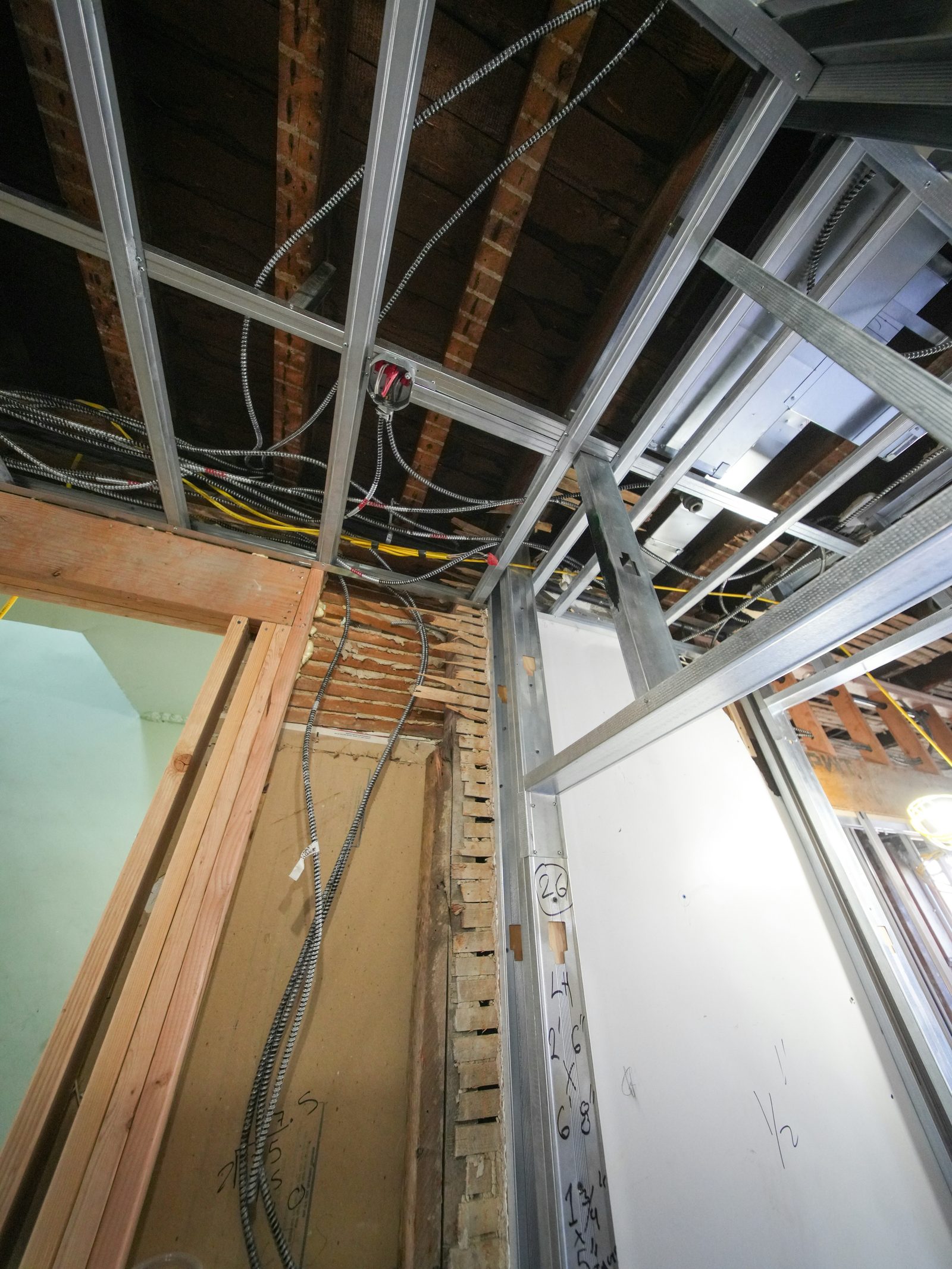
Framing Work In Progress
Photo uploaded to feed
Automatic Budget Mapping
When your team uploads a photo of framing work, our AI analyzes the image content and automatically cross-references it against your budget structure.
This creates a visual timeline of your project with direct linkage to budget spend. See what's been built at every budget milestone.